
Google isn’t launching a gaming console. The company is launching a service instead: Stadia . You’ll be able to run a game on a server and ...
Google isn’t launching a gaming console. The company is launching a service instead: Stadia. You’ll be able to run a game on a server and stream the video feed to your device. You won’t need to buy new hardware to access Stadia, but Stadia won’t be available on all devices from day one.
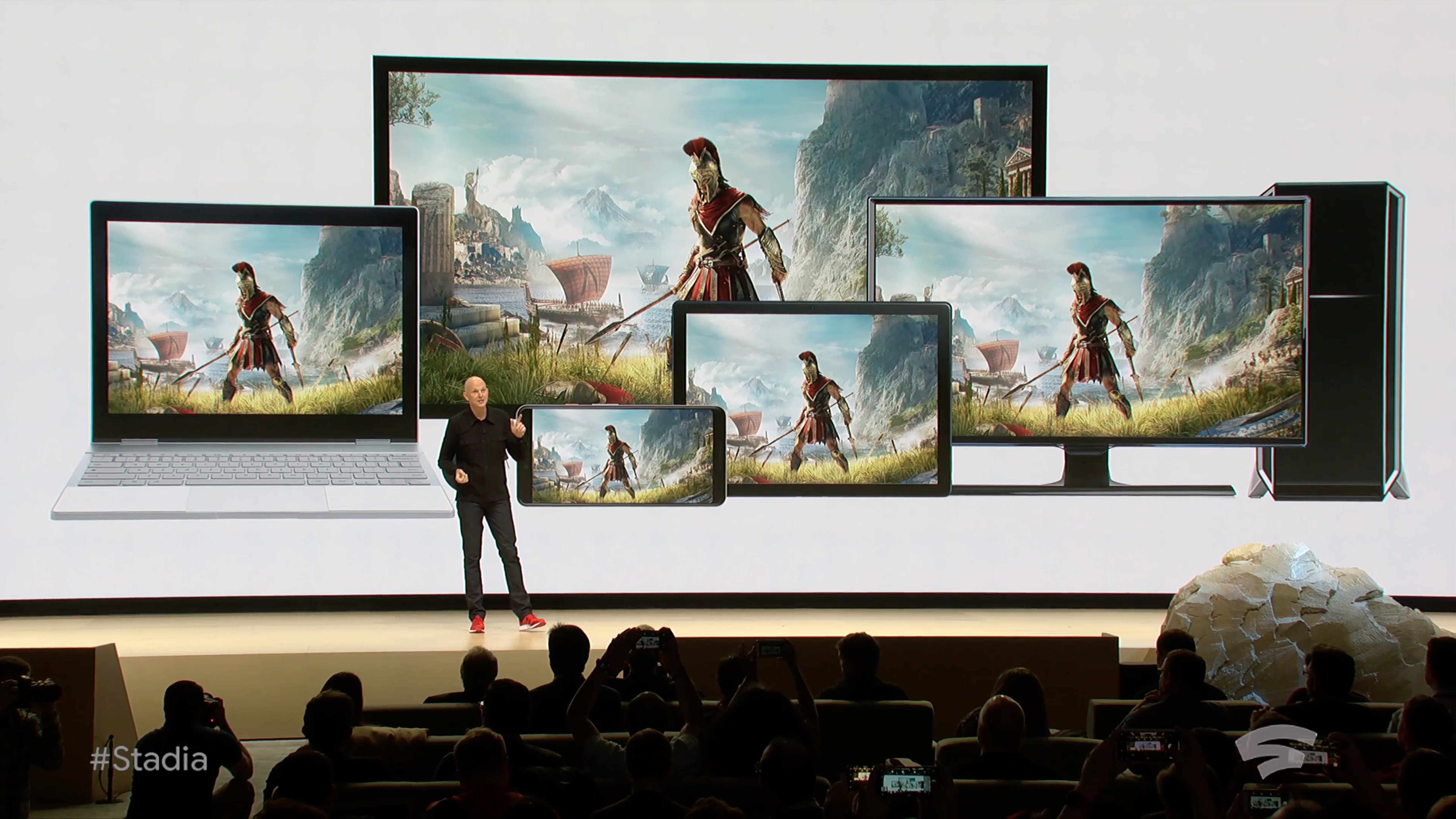
“With Google, your games will be immediately discoverable by 2 billion people on a Chrome browser, Chromebook, Chromecast, Pixel device. And we have plans to support more browsers and platforms over time,” Google CEO Sundar Pichai said shortly after opening GDC 2019.
As you can see, the Chrome browser will be the main interface to access the service on a laptop or desktop computer. The company says that you’ll be able to play with your existing controller. So if you have a PlayStation 4, Xbox One or Nintendo Switch controller, that should work just fine. Google is also launching its own controller.
As expected, if you’re using a Chromecast with your TV, you’ll be able to turn it into a Stadia machine. Only the latest Chromecast supports Bluetooth, so let’s see if you’ll need a recent model to play with your existing controller. Google’s controller uses Wi-Fi, so that should theoretically work with older Chromecast models.
On mobile, it sounds like Google isn’t going to roll out its service to all Android devices from day one. Stadia could be limited to Pixel phones and tablets at first. But there’s no reason Google would not ship Stadia to all Android devices later.
Interestingly, Google didn’t mention Apple devices at all. So if you have an iPhone or an iPad, don’t hold your breath. Apple doesn’t let third-party developers sell digital content in their apps without going through the App Store. This will create a challenge for Google.
Stadia isn’t available just yet. It’ll launch later this year. As you can see, there are many outstanding questions after the conference. Google is entering a new industry and it’s going to take some time to figure out the business model and the distribution model.
from TechCrunch https://ift.tt/2Tnv8JG
via IFTTT




COMMENTS